What you're proving
You are on the phone with someone who wants a seat in a class. You can find their record, start the enrollment, take payment on the call (or let them pay from their account), and the seat stays held until payment rules say otherwise.
Before you start
| Who | Password | |
|---|---|---|
| Enrollment Admin | enrollment.admin@lsu.edu | admin123 |
| Pay Learner (practice caller) | pay.learner@example.com | TestPass123! |
Open the training site using the button at the top of this page, then sign in as Enrollment Admin.
From the site menu, open Learner search (find people by name).
Practice payment card: 4242 4242 4242 4242 — any future expiry, any security code, any ZIP.
If profiles or classes look empty, ask IT to load practice data (see IT setup at the bottom).
Step 1 — Find the caller
- Sign in as Enrollment Admin
- Open Learner search
- Search Last name
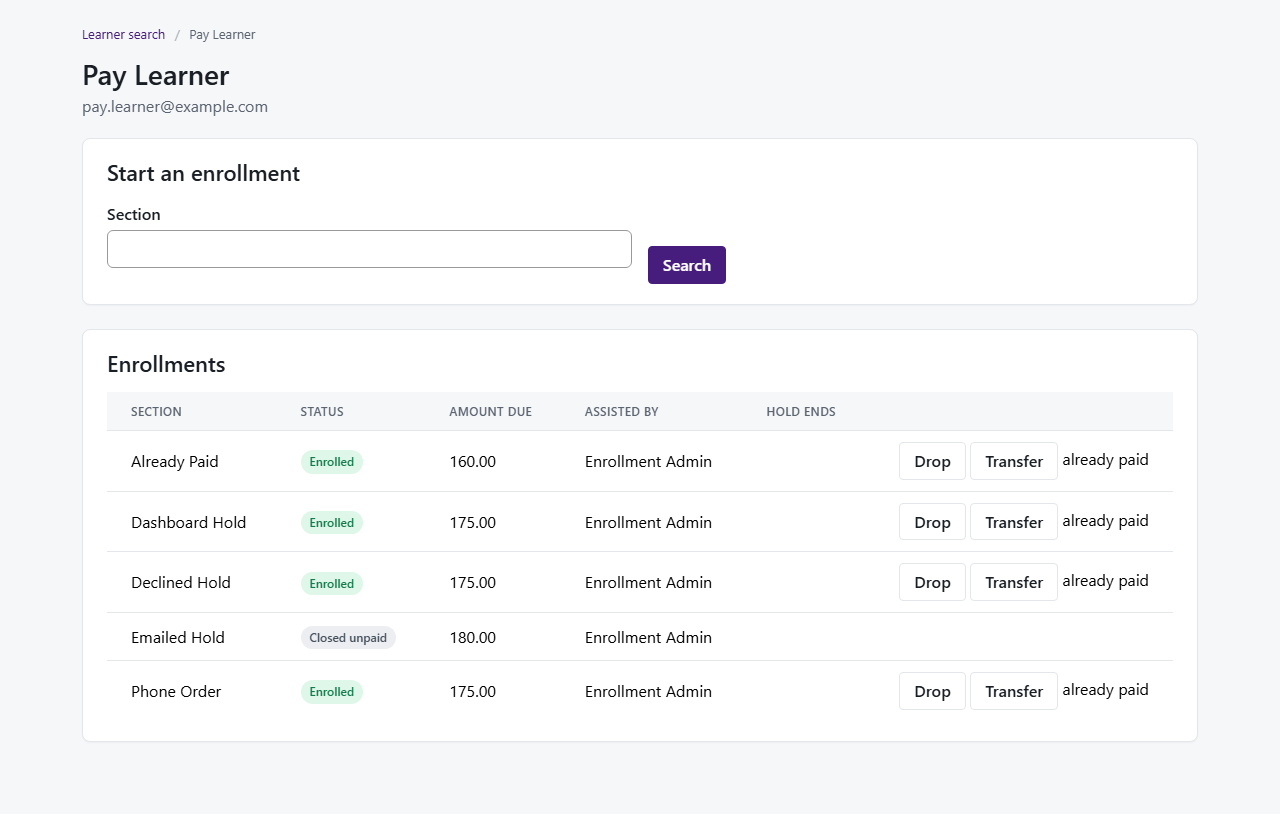
Learnerand open Pay Learner - Confirm you see their name, email, and a list of enrollments (practice data may show Phone Order awaiting payment)
Step 2 — Start a priced class (hold a seat)
- To practice starting a new hold, open Ada Nguyen (search Nguyen → Ada Nguyen)
- Under Start an enrollment, search Evidence
- Open Details — note the price ($250.00) and seats left
- Click Enroll, then Confirm enrollment when the dialog matches what you told the caller
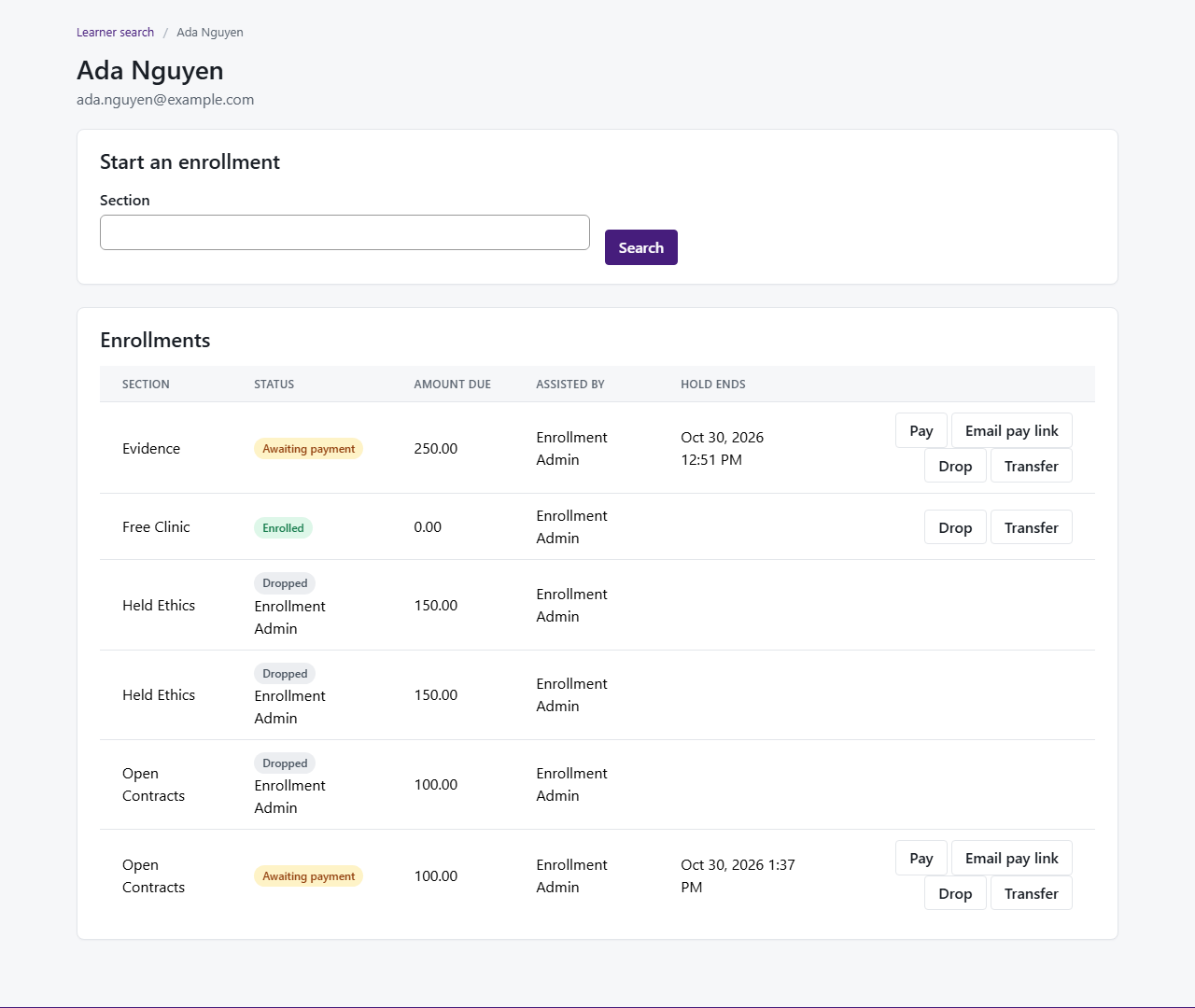
- Confirm Evidence shows Awaiting payment, a Hold ends time, and Pay on that row
Step 3 — Take payment on the call
- Return to Pay Learner. If Phone Order is already Enrolled, ask IT to reset practice data (IT setup below)
- Click Pay on Phone Order
- Enter the practice card
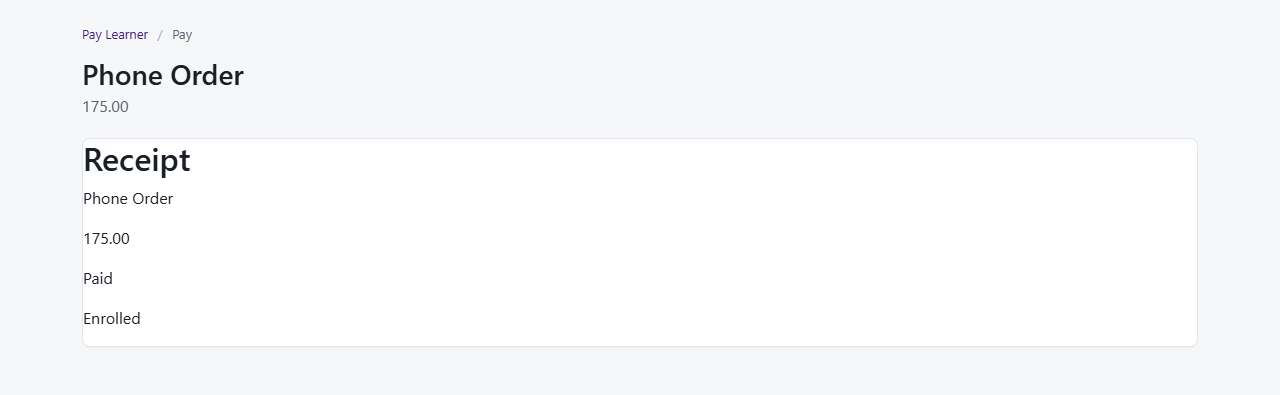
4242 4242 4242 4242and complete payment - Confirm the Receipt shows Paid and Enrolled (the card number should not stay on screen)
Step 4 — Caller pays from their own account
- Log out. Sign in as Pay Learner
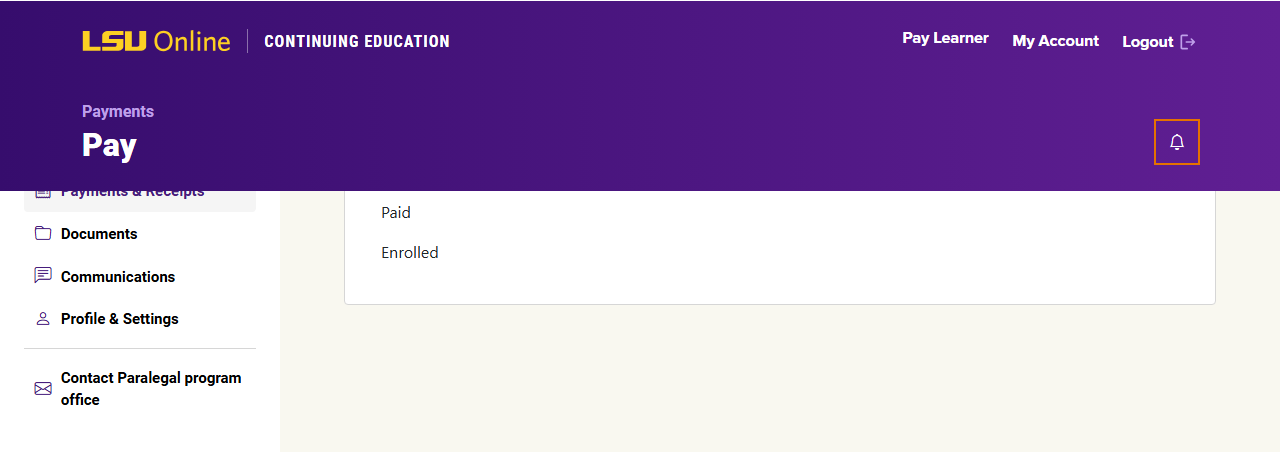
- Open My Account from the learner menu
- If Dashboard Hold still shows Pay, complete payment with the same practice card
- Confirm the receipt and that the row no longer needs payment
Step 5 — When payment fails (optional)
- Sign back in as Enrollment Admin and open Pay Learner
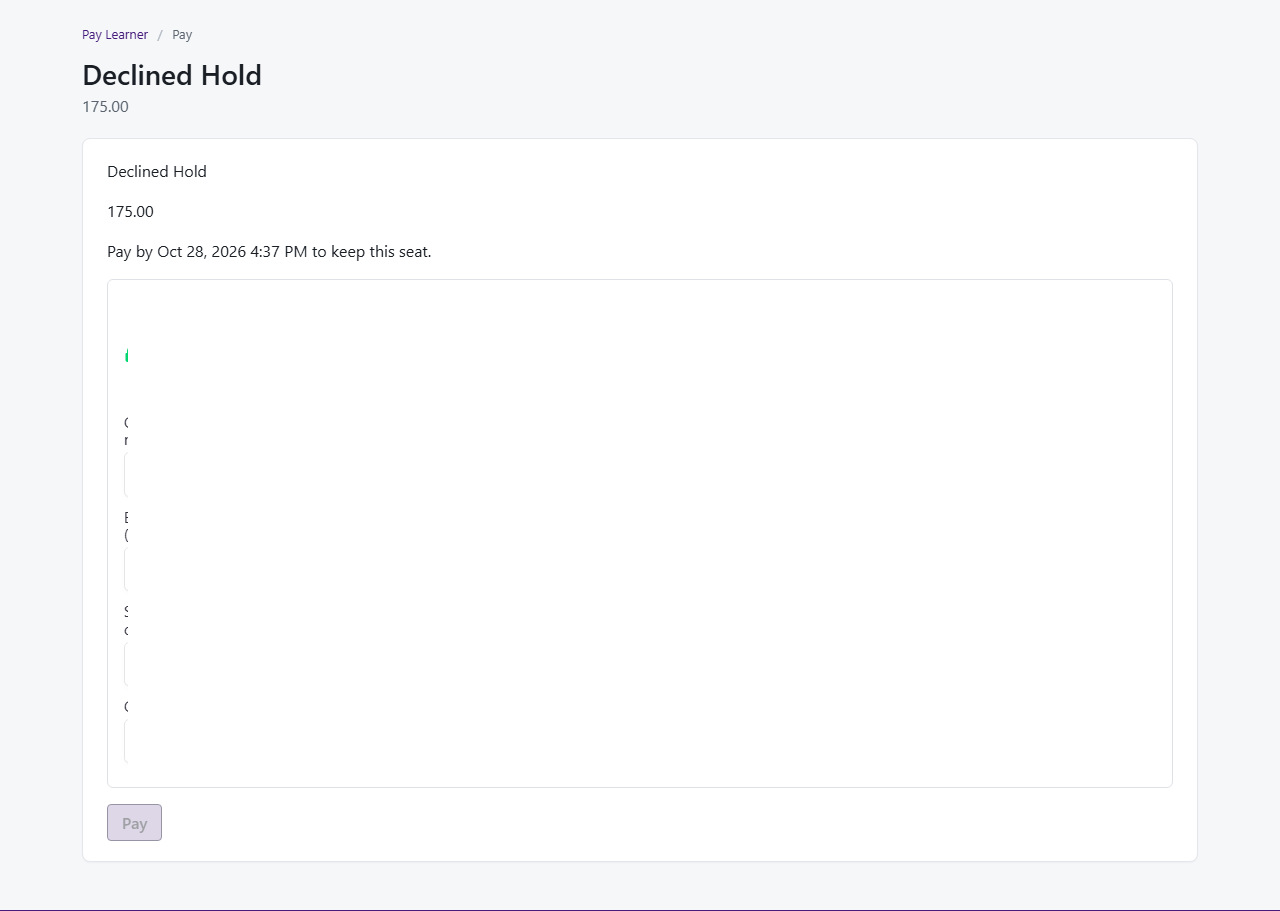
- On Declined Hold, click Pay and use card
4000 0000 0000 0002 - Confirm the message says the card was declined and the enrollment is still Awaiting payment
Optional appendix — More scenarios
IT setup (optional)
Practice data: IT signs in as superuser → QA Tools → Staff-assisted enrollment — learners, sections, and open holds → Seed now (safe to repeat).
Not ready yet? If learner search or practice classes are missing, staff-assisted enrollment may not be on this training site yet — contact your project lead.